
LoremBuilder
The fastest way to drop Lorem Ipsum into any layout.
Menu bar · macOS 13 Ventura or later · free
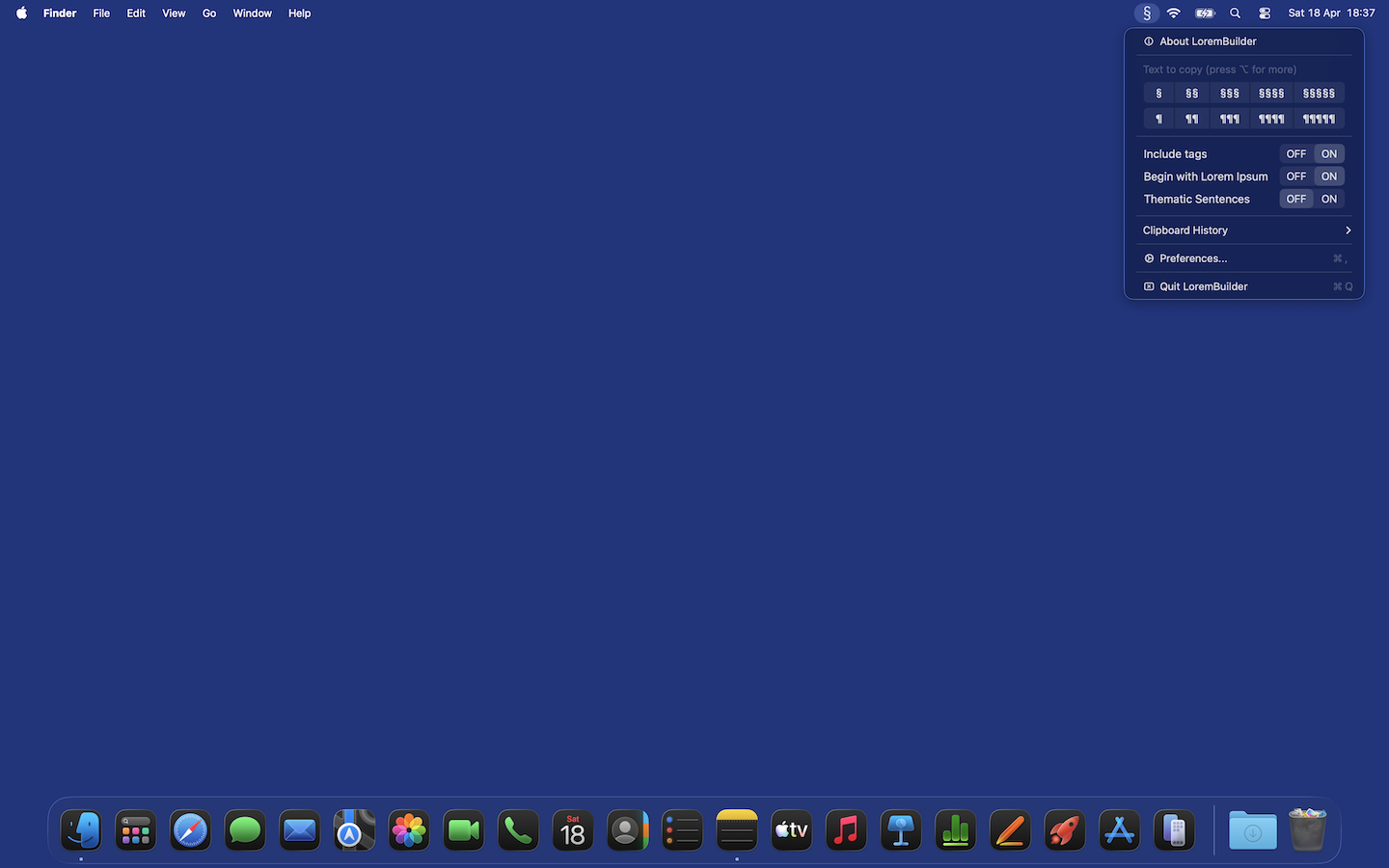
Lives in your menu bar
One click copies the exact amount of filler text you need. Pick from 1 to 5 sentences or 1 to 5 paragraphs. Press ⌥ to unlock up to 10 of each. No Dock clutter, no windows to manage.
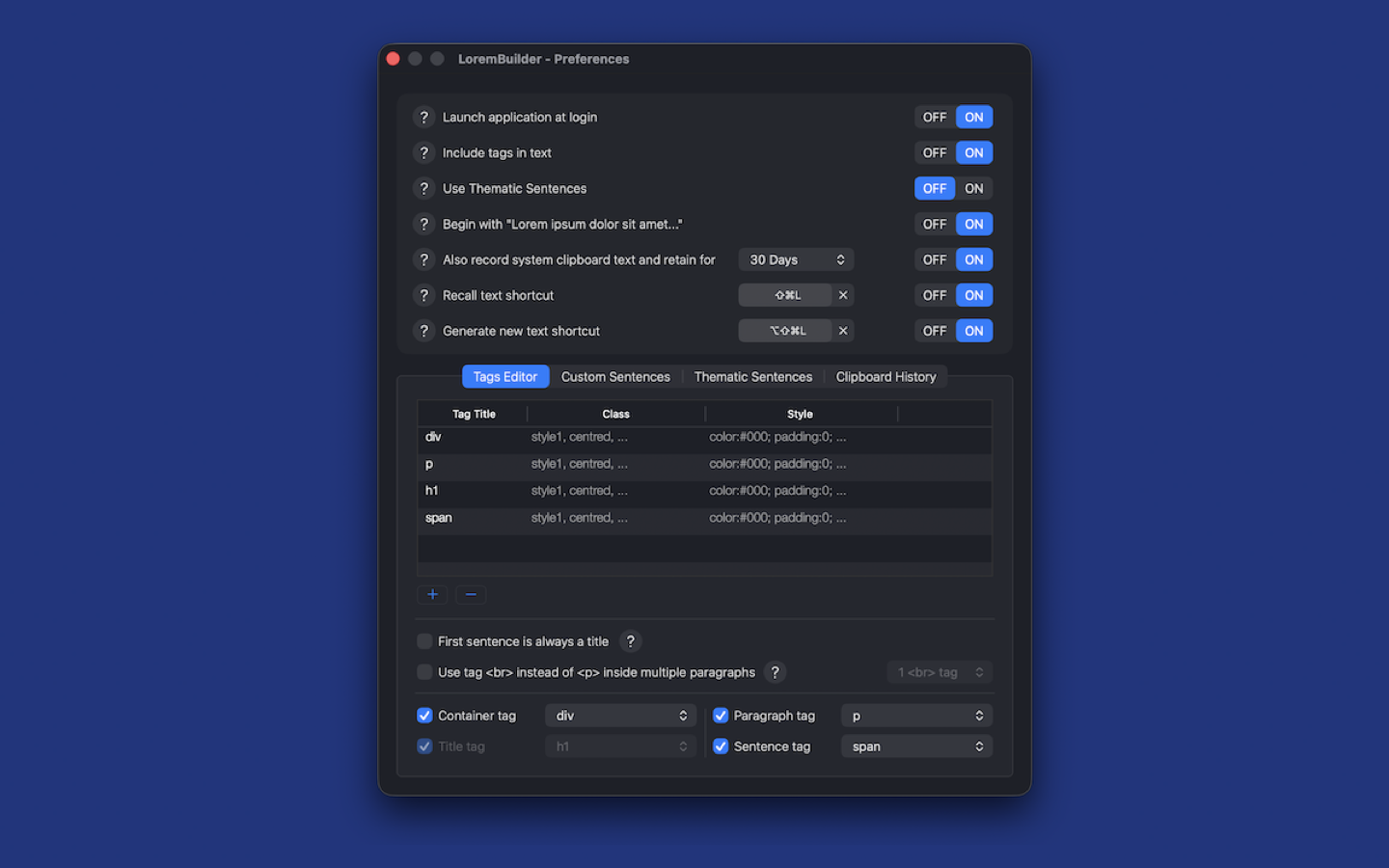
Global hotkeys
Recall your last generated text from any app, any time, even after a reboot. Regenerate a fresh block without reopening the menu. Both shortcuts are customisable in Preferences. Optional Launch at Login using Apple's modern ServiceManagement API.
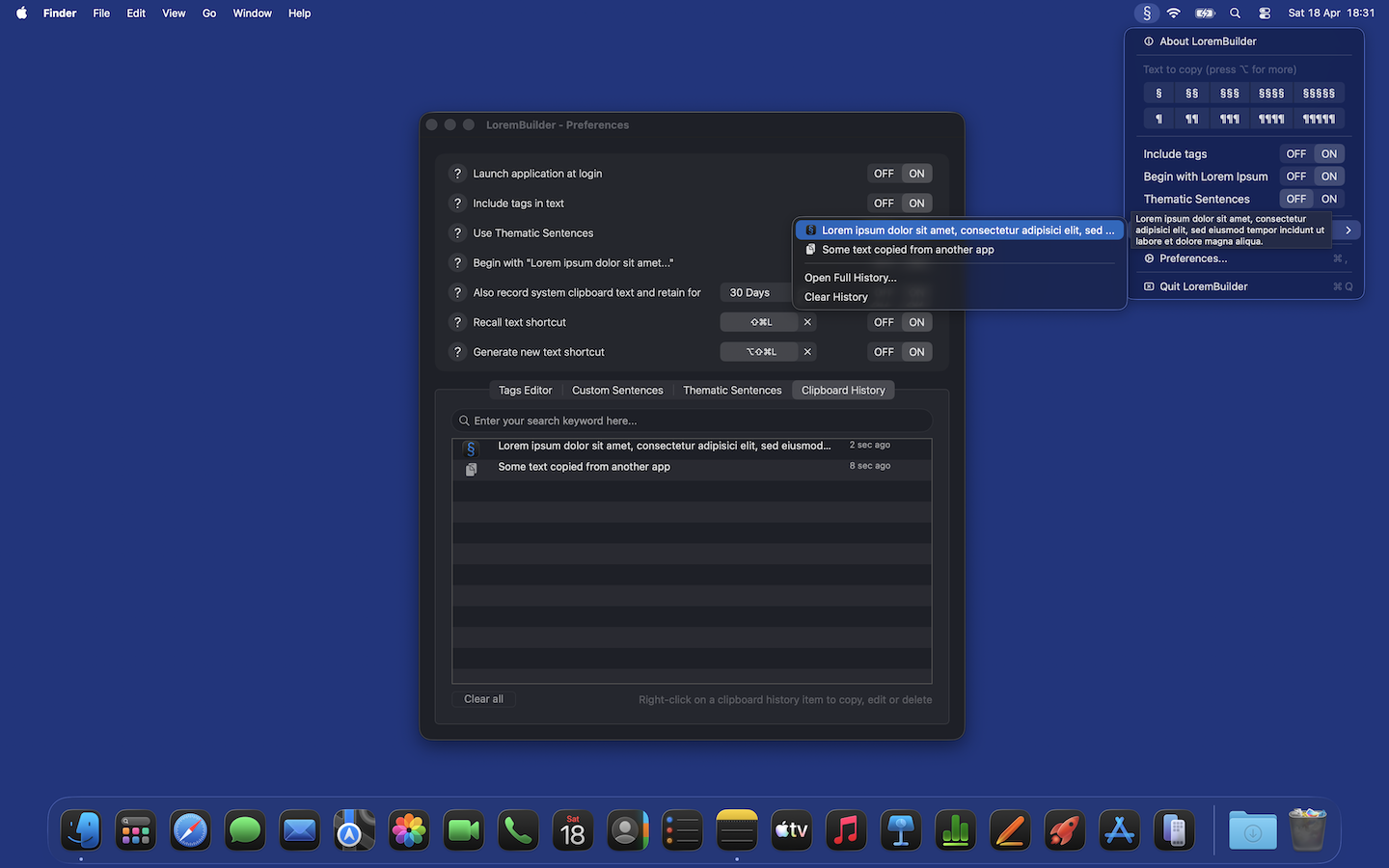
Encrypted clipboard history
Opt-in clipboard history keeps your last copied snippets one click away. Everything is encrypted at rest with AES-GCM, with the key stored in the macOS Keychain, and auto-purges on a schedule you control. Can also track clipboard text from other apps: still encrypted, still local, still strictly opt-in.
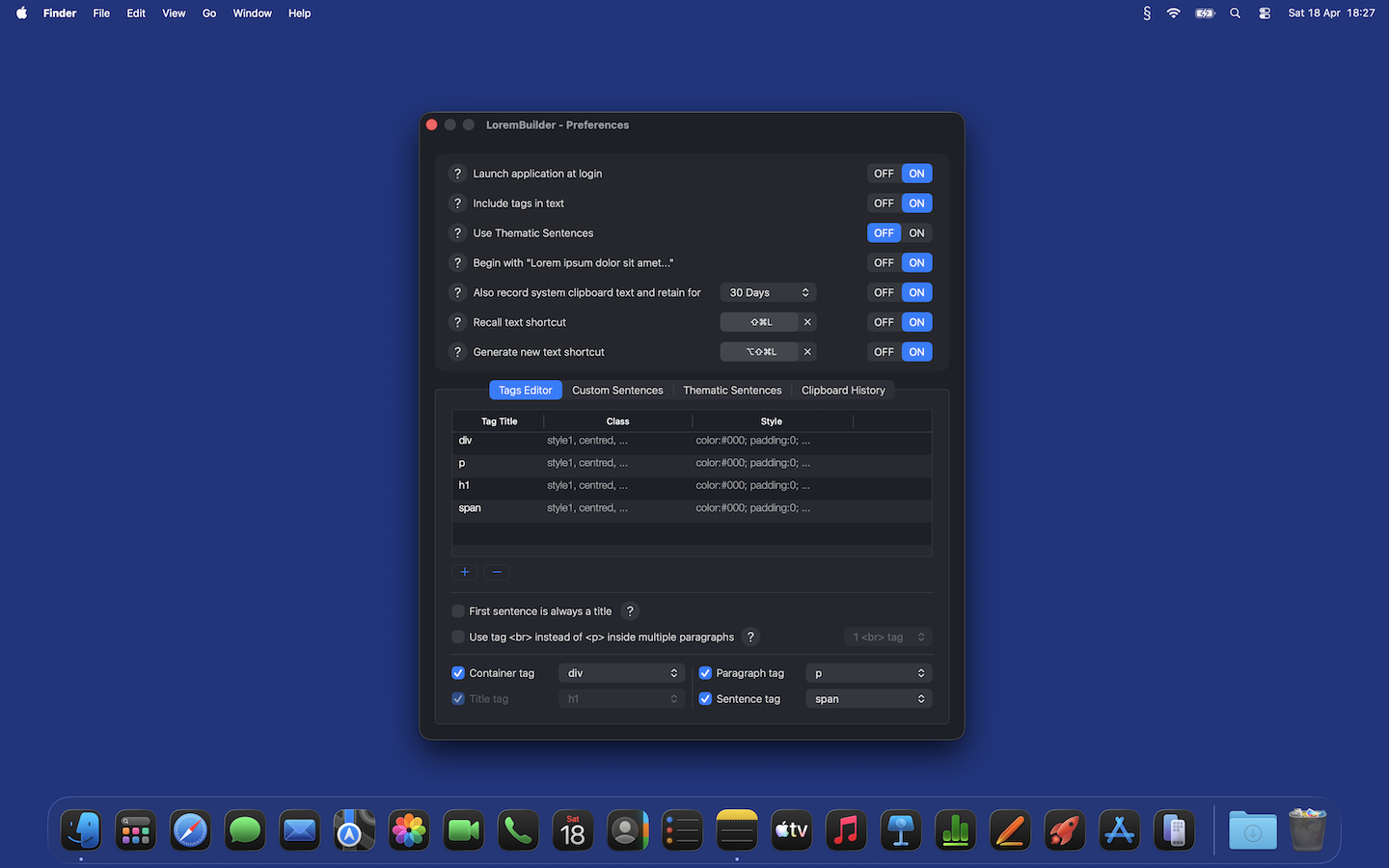
HTML tags, your way
Wrap output in your own tags with custom classes and inline styles. Container, title, paragraph, and sentence tags each toggle independently; sensible defaults are pre-loaded for div, p, h1, and span. Add, edit, or delete your own.
Your own sentences
Ships with 54 classic Latin lorem-ipsum sentences. Not quite what your mockup needs? Add your own, edit any of them, or delete the whole lot; the generator just uses whatever is in the list.
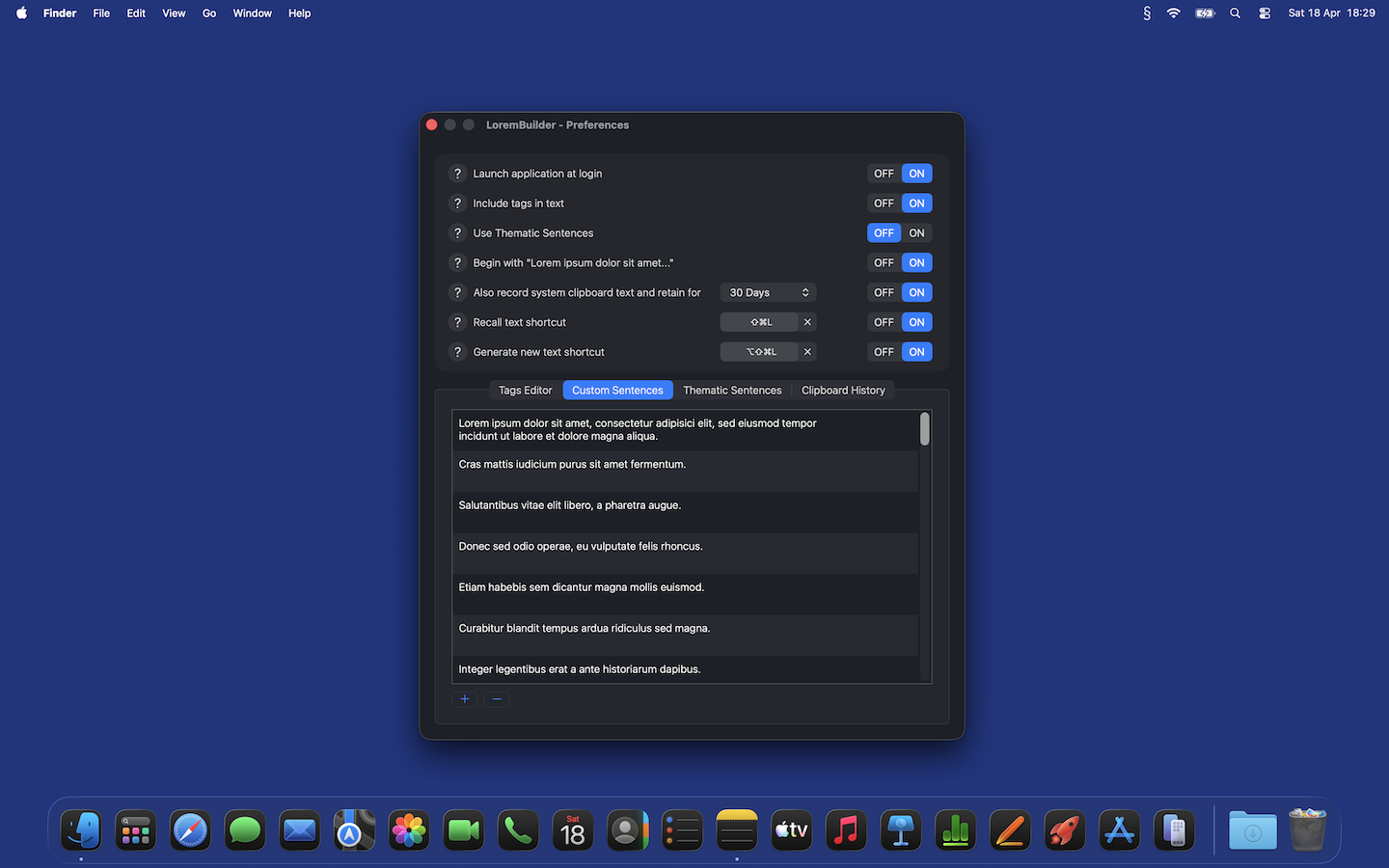
Themed sentences from Wikipedia
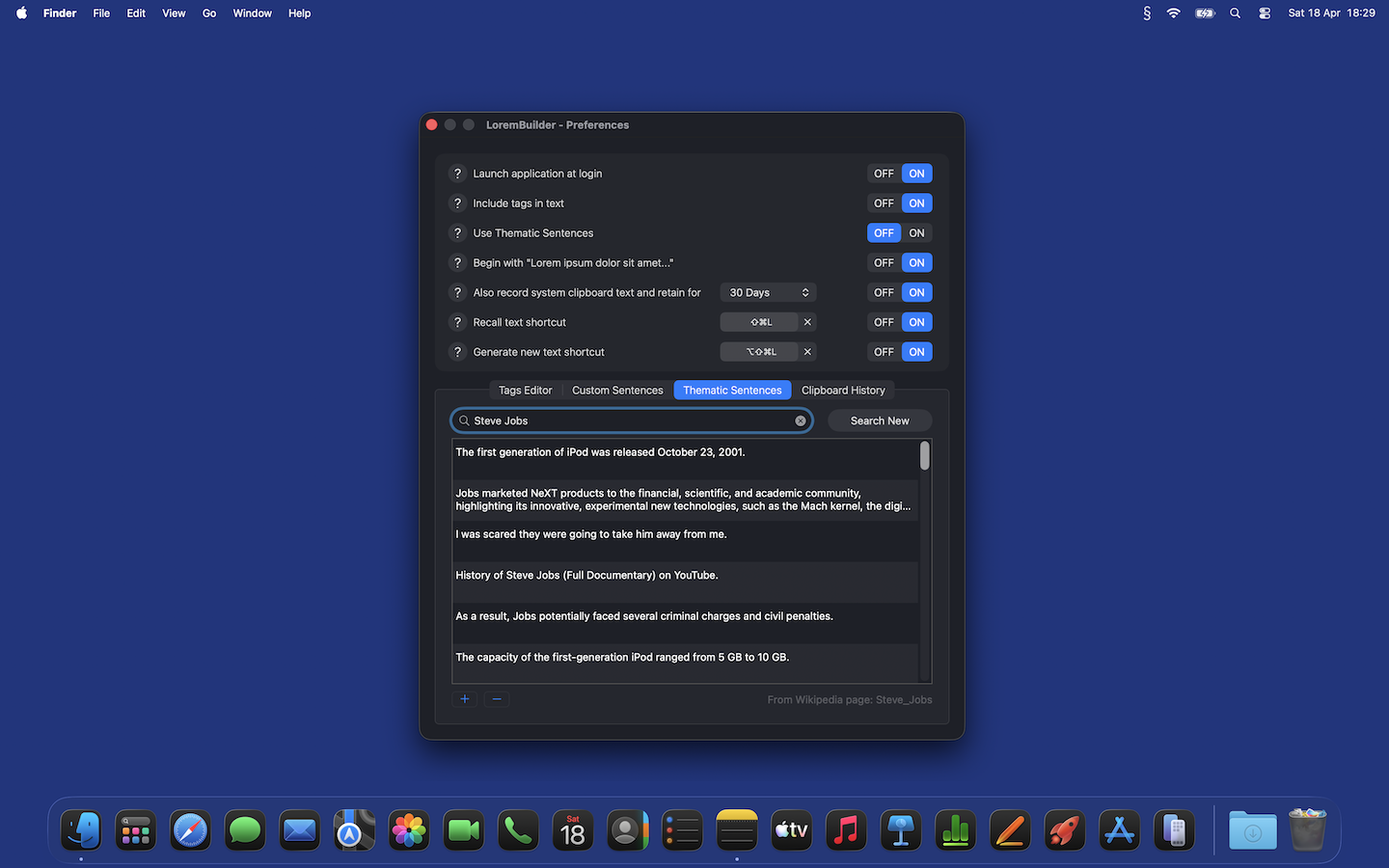
Plain Latin feels wrong in some mockups. Search any Wikipedia article such as "Steve Jobs", "espresso", or "sourdough bread", and LoremBuilder pulls real sentences from it (8 to 40 words each) and uses them as filler instead of classical Lorem Ipsum.
Privacy by default
LoremBuilder doesn't have servers. It doesn't send telemetry. It doesn't phone home. Everything lives on your Mac: your sentences, your tag presets, and (if you turn it on) your clipboard history, which is encrypted on disk with a key only your Keychain knows. The only network request the app ever makes is a direct call to Wikipedia, and only when you search for themed sentences.
Get in touch
Bug reports, feature requests, new localisations, or just hello. Write to email support, send a note below, or .